
Adjust Integration
Map every creative element to ROAS using Adjust attribution
Adjust proves the revenue, not which creative earned it. Segwise joins its post-install revenue to your network delivery and maps every hook, CTA, and frame to the ROAS and LTV it drove.
- SOC 2 Type II
- No credit card required
- Setup in minutes
Trusted by performance marketing and creative teams at















Why teams choose Segwise for creative analytics
Creative Strategy Agent
Ask which elements drive your Adjust-verified ROAS
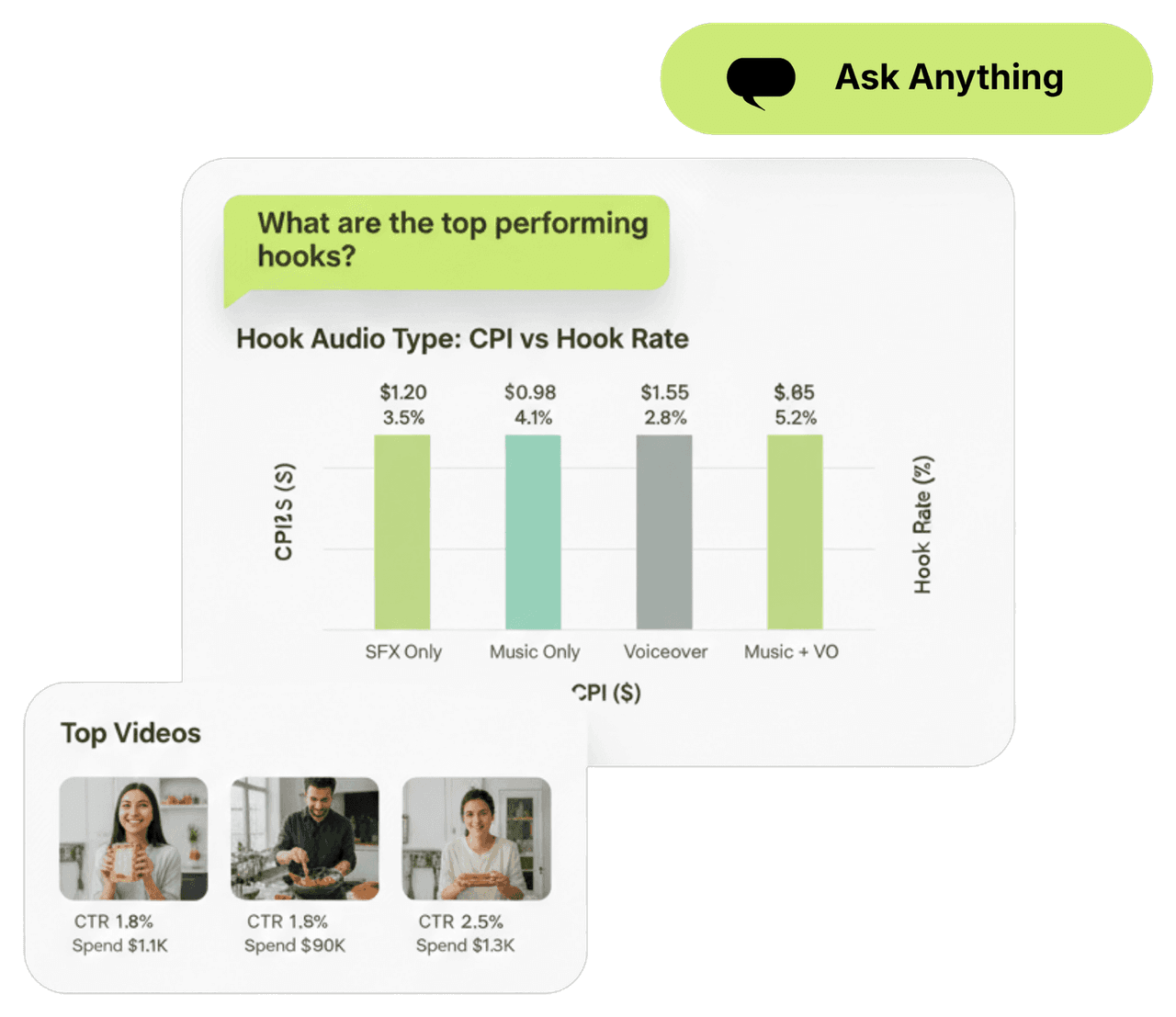
"Which hook style holds up on D30 ROAS?" "What elements do my fraud-clean, high-retention cohorts share?" The Creative Strategy Agent runs your creative tags against Adjust attribution and answers in plain language with the cohort math shown.
Creative Tagging Agent
Tag every element and connect it to Adjust revenue
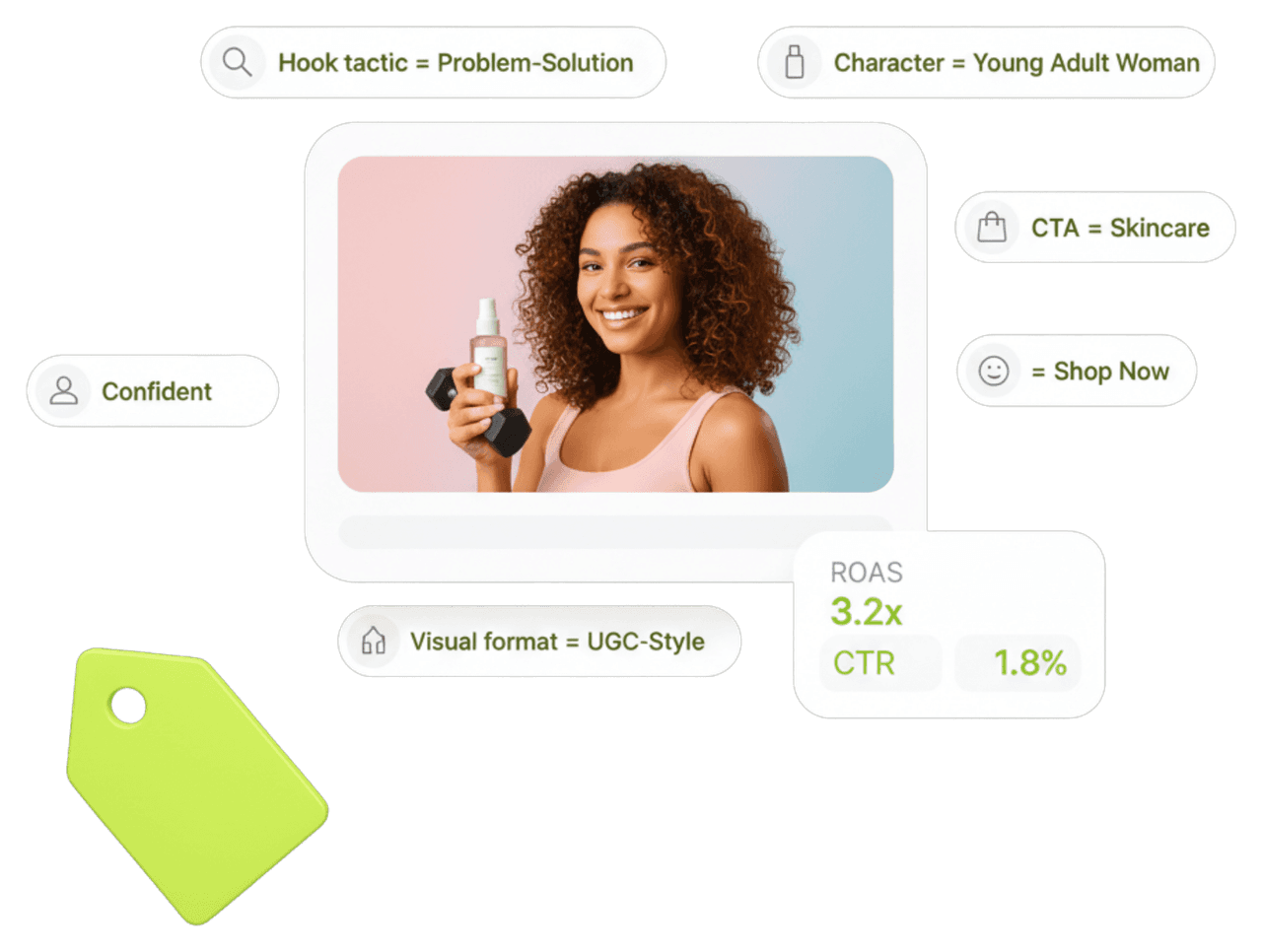
Segwise's multimodal AI processes video, image, audio, and text at once and tags hooks, CTAs, product shots, tone, and pacing. Adjust supplies the in-app events and cohort ROAS behind each install, so every tag maps to revenue you can trust rather than a raw click.
Creative Generation Agent
Generate variations from your best Adjust cohorts
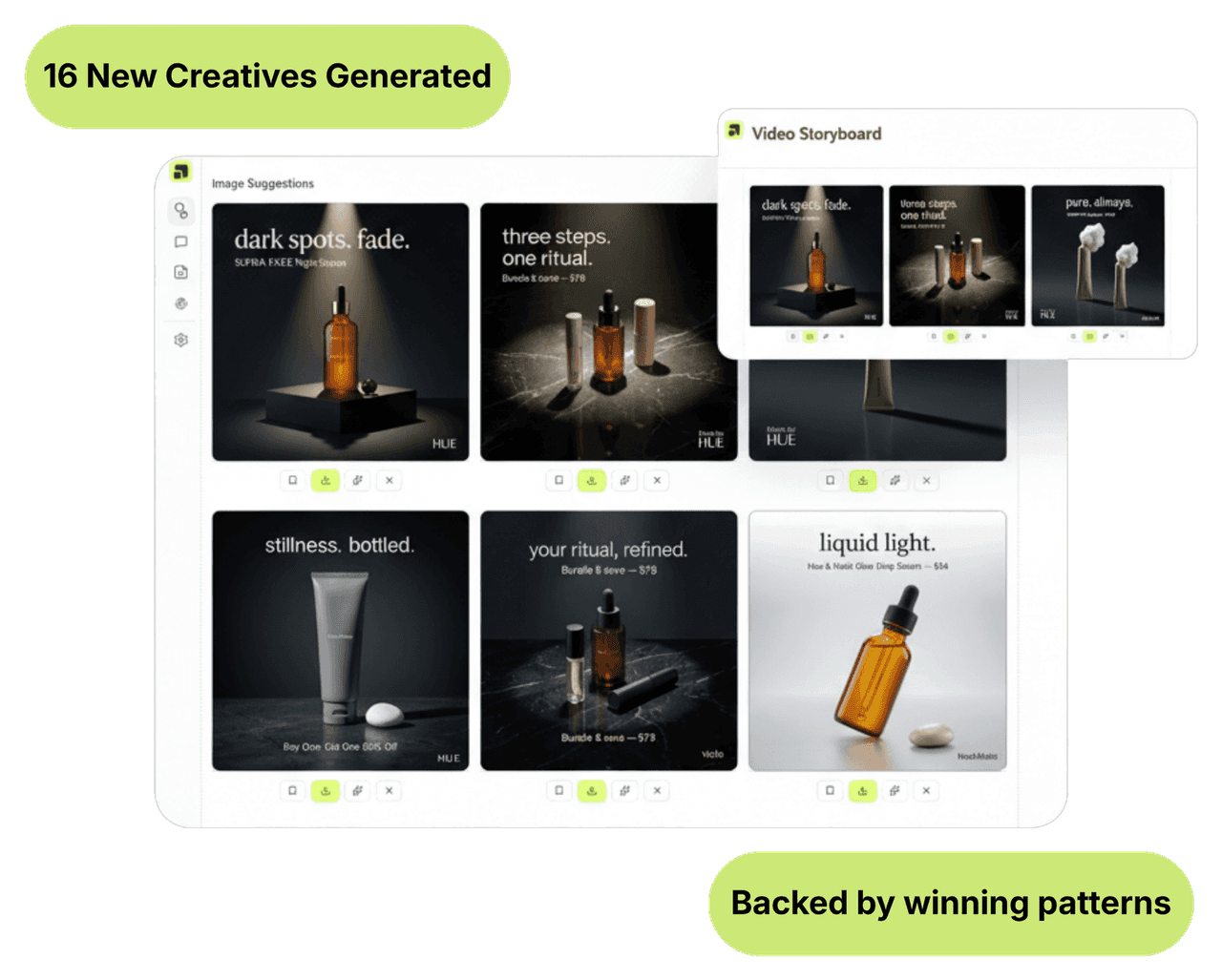
Segwise finds the elements shared by your strongest Adjust-attributed cohorts and the Generation Agent builds new static, video, and playable variations plus storyboards around them. Export in every aspect ratio, ready to upload.
50%
Higher ROAS
Teams that map Adjust-verified revenue to their winning elements and drop the weak ones lift ROAS by up to 50%.
20 hrs
Saved per week
No more exporting Adjust cohorts and matching them to creative names by hand every week.
3 months
Adjust history on paid
Import up to 14 days of Adjust history on the free trial and up to 3 months on paid, so patterns are backed by real cohorts.
Integrations
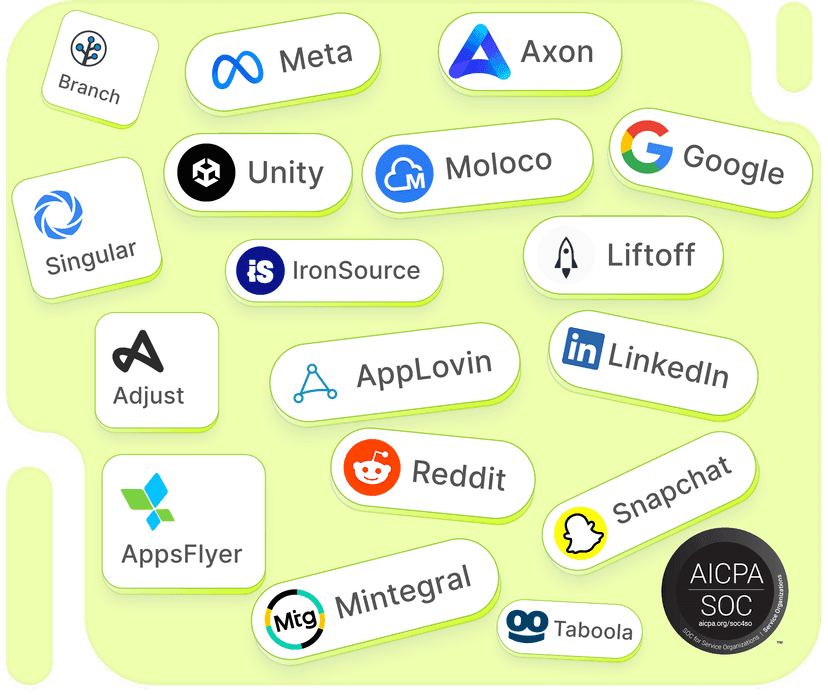
15+ networks & data sources
No matter where your data is stored, Segwise offers seamless, no-code integration with your ad networks and data sources while ensuring enterprise-grade data security.
Built for Adjust
Connect Adjust attribution without engineering
Segwise links to Adjust through OAuth in about five minutes. It pulls installs, in-app events, ROAS, cohorts, and SKAN, with Adjust's fraud filtering already applied, and syncs continuously alongside your current Adjust setup.
Spot decay in post-install quality, not just clicks
A creative can keep clicking cheaply while its Adjust cohort ROAS erodes. Segwise tracks the network CTR and frequency trend together with the Adjust revenue slope, so it warns you on Slack or email when real user quality is falling, not only when clicks dry up.
Creative-level ROAS and LTV across all networks
Every Adjust metric, ROAS, LTV, retention, in-app events, is tied back to the creative element that produced it and shown per hook and CTA across all your networks in one view. That is a creative-level picture neither your networks nor Adjust build alone.
Frequently asked questions
How does creative analytics use Adjust data?
Adjust is an attribution source. It confirms which installs, events, and revenue a click produced, with fraud filtered out. Segwise joins that to ad-network spend and delivery, then maps each creative element to its Adjust-attributed ROAS and LTV, turning install counts into a creative-level revenue view.
What Adjust metrics does Segwise pull?
Installs, in-app events, ROAS, cohort reporting, and SKAN, all after Adjust's fraud prevention. Paired with creative-level spend, this shows which hooks, CTAs, and styles bring high-retention, high-value users rather than cheap installs.
Why combine Adjust with ad-network data?
Networks price and report on clicks and installs. Adjust sees the revenue that follows. Optimizing on network numbers alone can scale creatives that win the auction but lose the customer. Segwise grounds creative decisions in Adjust's post-install truth.
How does Segwise connect to Adjust?
Through OAuth in about five minutes, with no engineering or API keys. Segwise imports up to 14 days of Adjust history on the free trial and up to 3 months on paid plans, and keeps syncing without touching your existing configuration.
Can I analyze Adjust alongside multiple networks?
Yes. Segwise unifies Adjust attribution with creative data from 15+ networks including Meta, Google, TikTok, and AppLovin, so you can compare which elements earn the best Adjust-attributed ROAS on each network in a single view.
What does the 7-day free trial include?
Full access to all four agents, every integration including Adjust, AI Chat, creative generation, and fatigue detection, with historical data imported automatically. No credit card required.
Ground your creative decisions in Adjust revenue
Connect Adjust and your networks in about five minutes. Map every element to verified ROAS and LTV, then generate more winners.
Explore more
Creative Analytics for other channels & teams
Creative Analytics
Creative Analytics for AppLovin
See which AppLovin playables and rewarded videos drive D7 ROAS. AI tags every element, including playables, and maps to revenue. 7-day free trial.
View pageCreative Analytics
Creative Analytics for AppsFlyer
Join AppsFlyer attribution to ad-network spend and see creative-level ROAS and LTV. AI tags every element and maps it to revenue. 7-day free trial.
View pageCreative Analytics
Creative Analytics for Bidease
Sharpen Bidease RTB with creative-level performance data. AI tags every element and maps it to ROAS across networks. 7-day free trial.
View pageCreative Analytics
Creative Analytics for Branch
Use Branch attribution and deep-link journeys to connect creative elements to downstream revenue. AI tags every element. 7-day free trial.
View pageCreative Analytics
Creative Analytics for DV360
See which DV360 creatives drive ROAS across display, video, and CTV at scale. AI tags every element and maps to revenue. 7-day free trial.
View pageCreative Analytics
Creative Analytics for Google
See which assets drive ROAS in UAC and PMax when you can't hand-place creative. AI tags every asset and maps it to revenue. 7-day free trial.
View page