
Integration Docs
Integration Guide
Connect Singular to Segwise
Follow these steps to connect Singular to Segwise and unlock AI-powered creative analytics across your campaigns.
Requirements
- For integrating with Singular we would need you to share the Singular API key
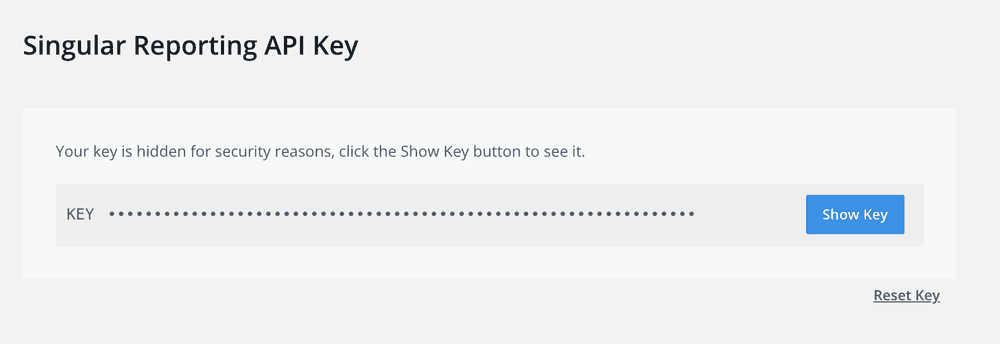
- On your Singular dashboard access your navigation bar and click on "Developer tools" the click on "Reporting API Keys"
- Copy the API key you see on this page and input it in your Segwise onboarding as your Singular API key.
Ready to turn your Singular data into creative insights?
Connect your Singular attribution data and Segwise maps every creative to ROAS, CPA, and LTV.


