
Google Integration
Tag every asset you feed Google, since asset quality is all you control
On Google App campaigns and PMax you cannot hand-place creative, so asset-level signal you supply is your one lever. Segwise tags every asset, reads your naming conventions, and maps each to ROAS.
- SOC 2 Type II
- No credit card required
- Setup in minutes
Trusted by performance marketing and creative teams at














Why teams choose Segwise for creative tagging
Creative Tagging Agent
Tag every headline, image, and video asset
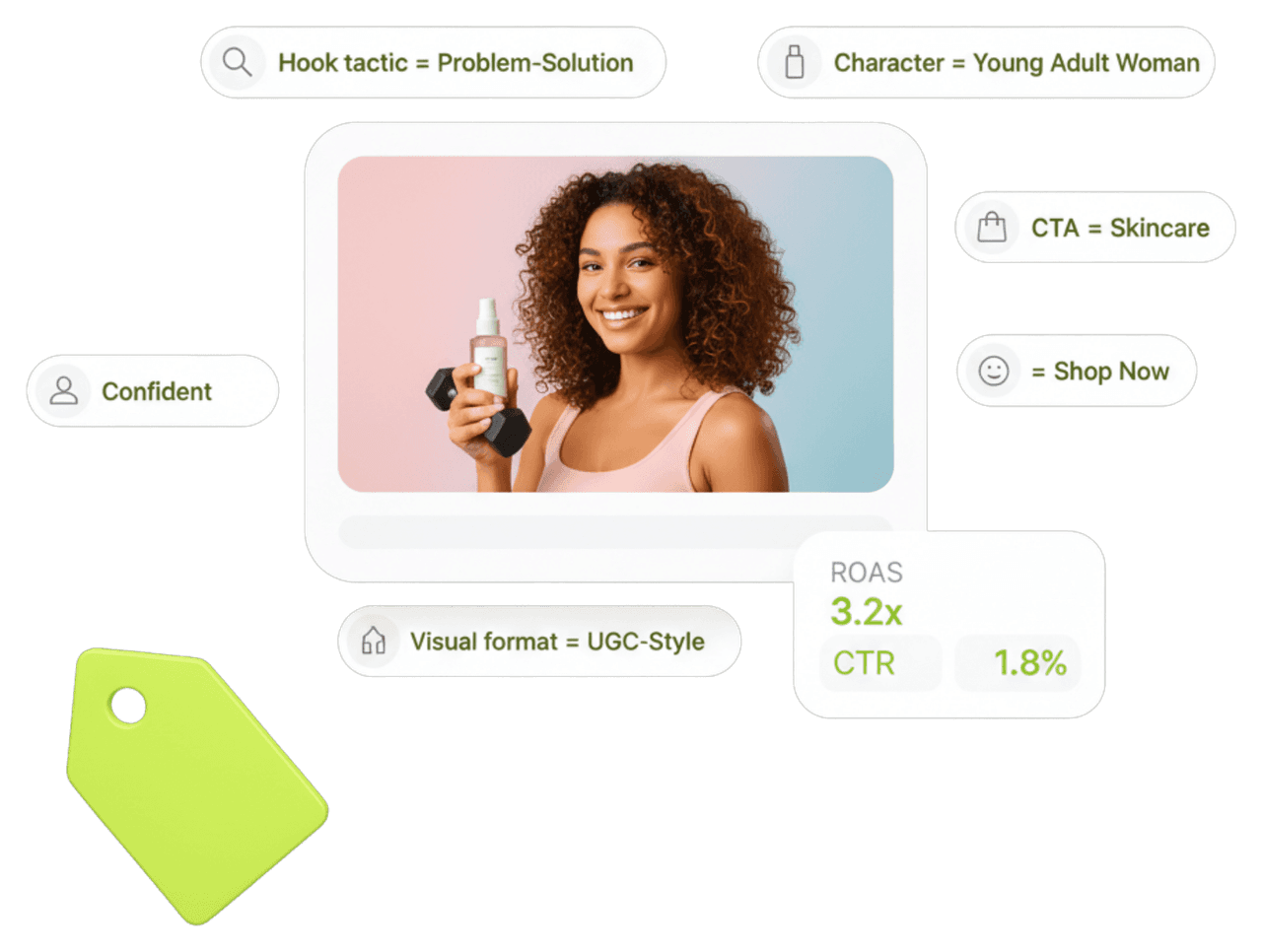
Segwise's multimodal AI labels the hook, message angle, on-screen text, product shot, voiceover, and CTA across the video, image, and text assets you feed asset groups. It applies 20+ standard tags automatically, so you can see the machine's raw material as structured data.
Creative Strategy Agent
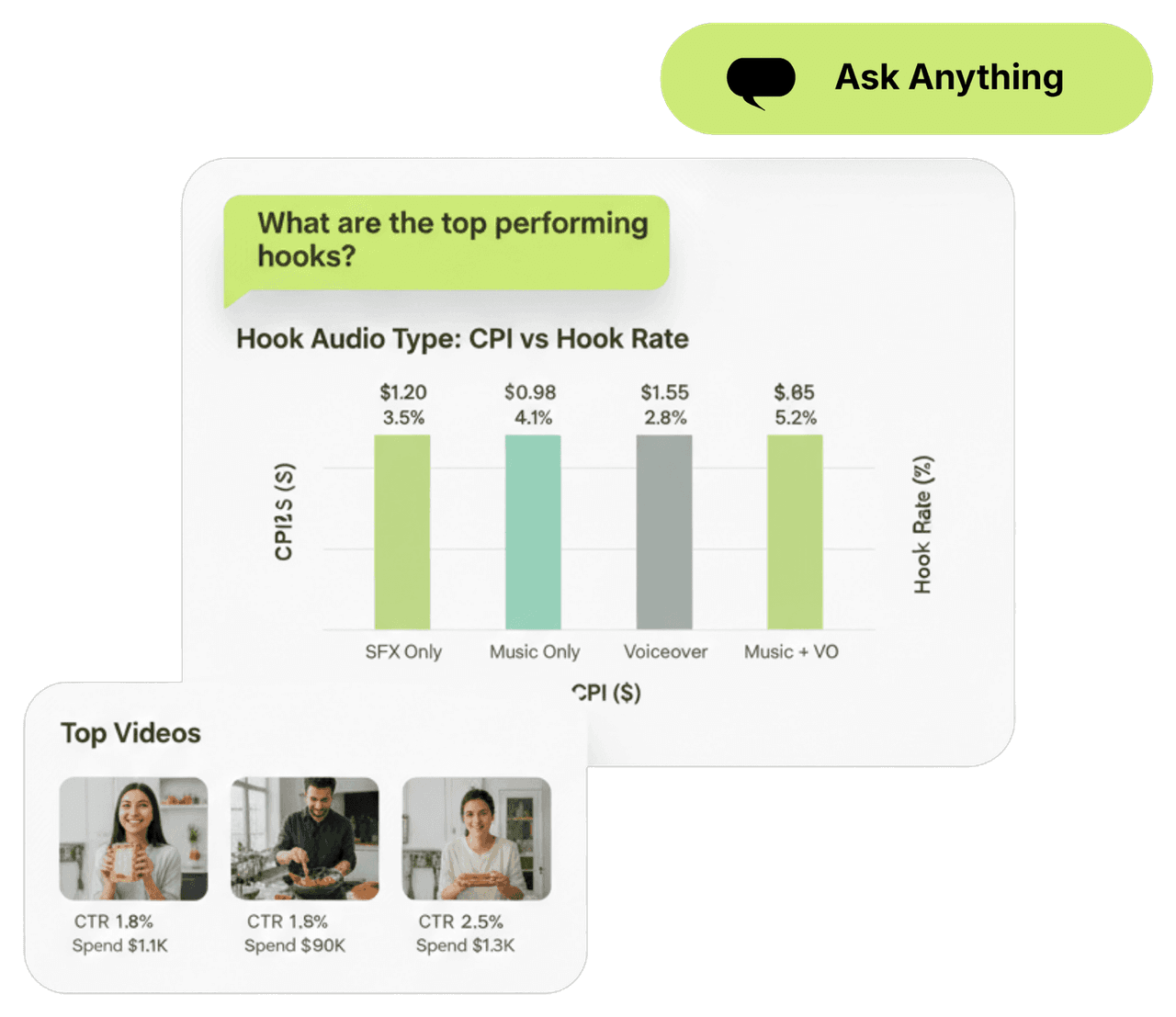
Ask which tagged assets Google favors
The Creative Strategy Agent answers in plain language against your tagged Google data. Ask which headline angle or video hook drives the best ROAS inside your asset groups and get the chart behind it, no report to build.
Creative Generation Agent
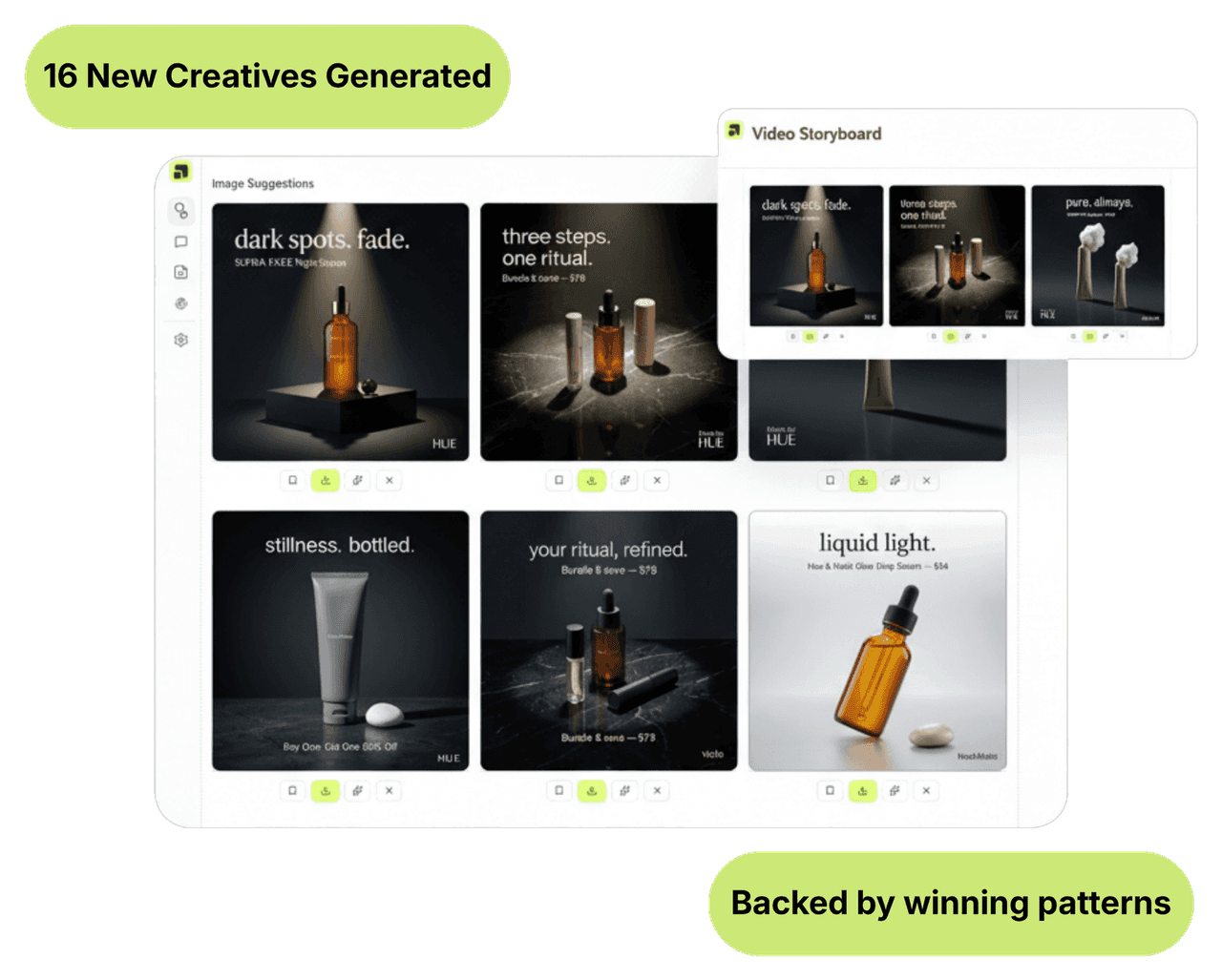
Generate more of the assets that work
Once Segwise sees which tagged assets perform, the Generation Agent produces new headlines, images, and video variations plus storyboards built on those winning patterns. Export them ready to feed back into your UAC and PMax asset groups.
50%
Higher ROAS
Feeding Google's automation with your best tagged assets and cutting fatiguing ones lifts ROAS by up to 50%.
20 hrs
Saved per week
Automatic tagging replaces the manual asset cataloging a team runs across UAC and PMax asset groups.
20+
Standard tags
Every asset gets 20+ standard tags out of the box, plus nomenclature tags read from your naming conventions.
Integrations
15+ networks & data sources
No matter where your data is stored, Segwise offers seamless, no-code integration with your ad networks and data sources while ensuring enterprise-grade data security.
Built for Google
Catch asset fatigue inside the black box
Automation hides which asset is fading. Segwise ties performance decline to specific tags, tracks the trend on active assets, and alerts on Slack or email so you can swap in fresh creative before the campaign quietly loses efficiency.
Nomenclature tagging from your naming conventions
Segwise reads the file and asset names you already use for Google and turns them into tags automatically. Add custom tags beyond the 20+ standard set for message theme or product line, and tag enrichment groups them into categories.
Google assets beside every other network
Your tagged Google assets sit with your other networks and MMP in one dashboard under a shared taxonomy, so the same message-angle tag is comparable across search, YouTube, and social.
Frequently asked questions
What is creative tagging for Google Ads?
It is using multimodal AI to label every asset you feed Google UAC and PMax, then mapping each label to ROAS. Because you supply assets rather than placing creative, tagging turns your asset library into structured data so you can see which headlines, images, and videos the machine rewards.
How does tagging help when Google automates everything?
Asset quality is the lever you still control. A tagged, revenue-scored asset library shows which message angles and video hooks earn, so you keep supplying more of what works and stop feeding assets that drag the campaign.
Does Segwise use my Google naming conventions?
Yes. Nomenclature tagging reads the file and asset names you already use and converts them into tags automatically, so the organization you have built into your asset groups carries into Segwise with no rework.
How does Segwise connect to Google?
Over OAuth in about five minutes, no API keys or engineering. It imports up to 14 days of asset history on the free trial and up to 3 months on paid, then tags new assets as they run.
Can Segwise generate new Google assets?
Yes. The Generation Agent reads your winning tags and produces new headlines, images, and video variations plus storyboards, exportable in the ratios your asset groups need and ready to upload.
What does the free trial include for creative tagging?
Seven days of full access, no credit card: multimodal tagging, nomenclature and custom tags, all four agents, generation, and fatigue detection. Historical assets import and tag automatically.
Control the one Google lever you have: your assets
Connect Google in about five minutes. Segwise tags every asset and maps each tag to ROAS so you feed the machine your winners.
Explore more
Creative Tagging for other channels & teams
Creative Tagging
Creative Tagging for Adjust
Segwise auto-tags every creative element and maps each tag to your Adjust ROAS, LTV, and cohorts. The data layer for creative decisions. 7-day free trial.
View pageCreative Tagging
Creative Tagging for AppLovin
Segwise is the only platform that tags AppLovin playables, end cards, and rewarded video, then maps every tag to D7 ROAS. 7-day free trial.
View pageCreative Tagging
Creative Tagging for AppsFlyer
Segwise auto-tags every creative element and maps each tag to AppsFlyer post-install revenue, LTV, and SKAN. 7-day free trial, no credit card.
View pageCreative Tagging
Creative Tagging for Bidease
Segwise auto-tags every Bidease creative and maps each tag to ROAS, giving your RTB bidding the creative signal it needs. 7-day free trial.
View pageCreative Tagging
Creative Tagging for Branch
Segwise auto-tags every creative element and maps each tag to Branch attribution and deep-link journeys, down to revenue. 7-day free trial.
View pageCreative Tagging
Creative Tagging for DV360
Segwise auto-tags DV360 display, video, and CTV assets across every size, then maps each tag to ROAS. 7-day free trial, no credit card.
View page