
AppsFlyer Integration
Optimize creatives on AppsFlyer revenue, not just installs
Networks stop at the click. AppsFlyer, the largest MMP, tracks post-install revenue and LTV. Segwise joins that attribution to delivery, catching the fade so you cut losers and scale by real LTV.
- SOC 2 Type II
- No credit card required
- Setup in minutes
Trusted by performance marketing and creative teams at
















Why teams choose Segwise for creative optimization
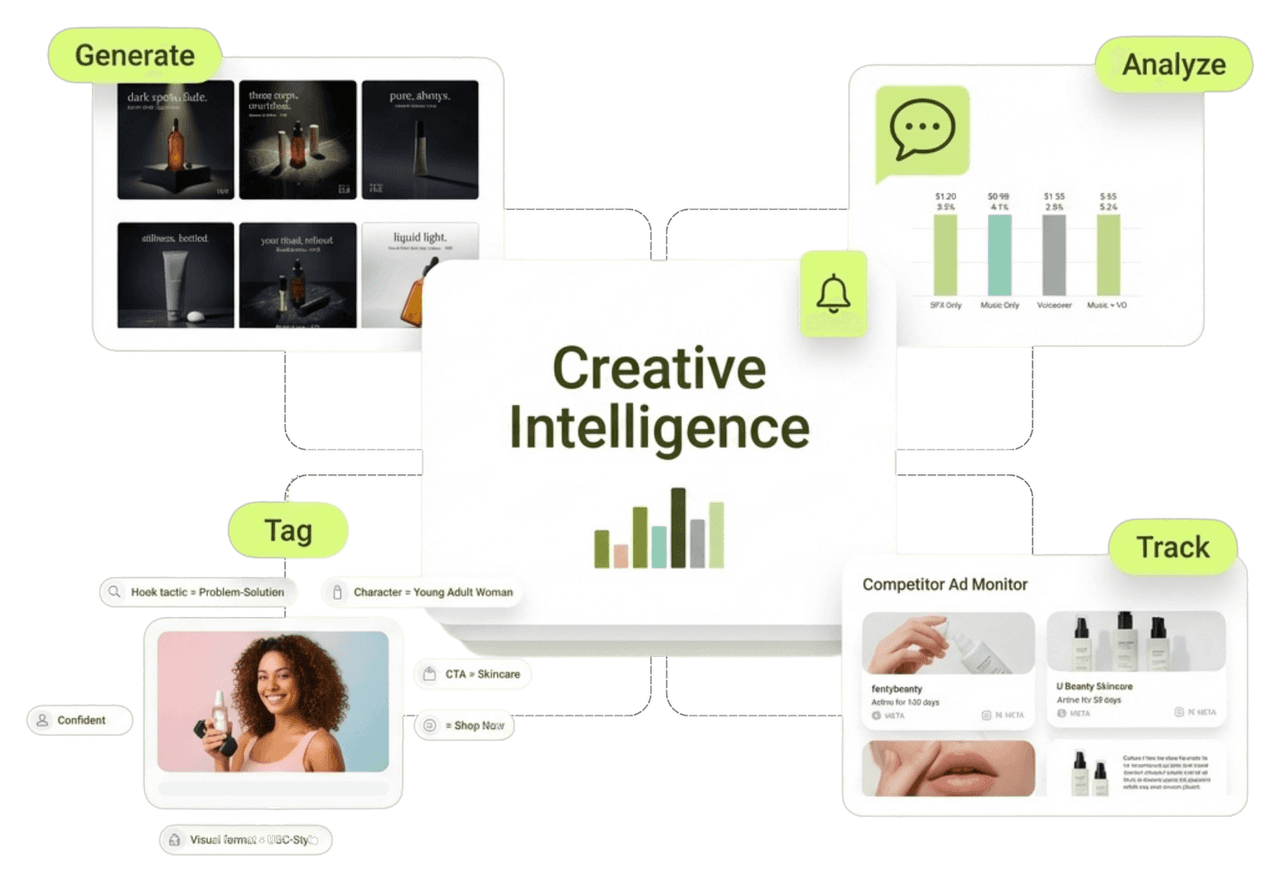
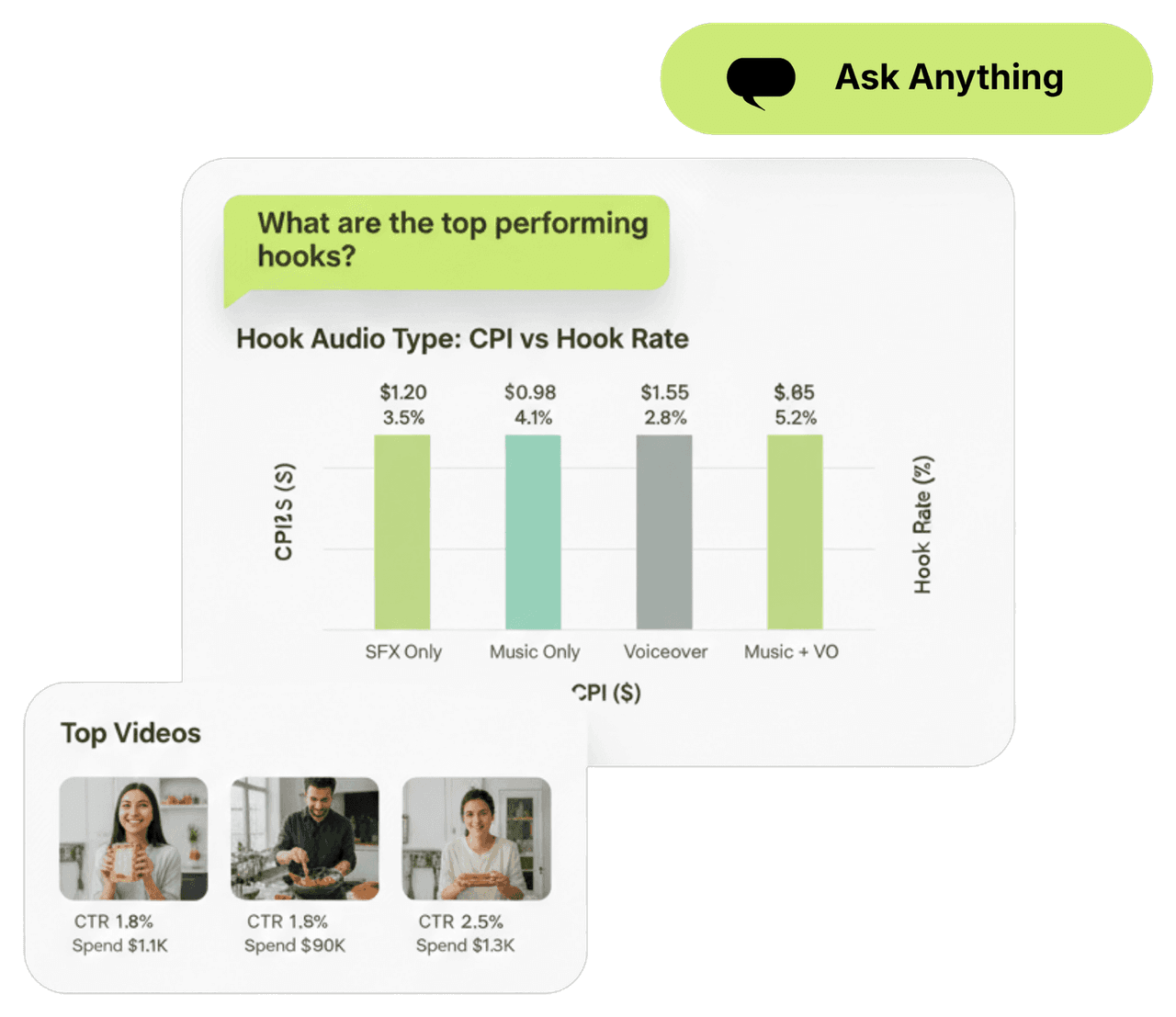
Creative Strategy Agent
Isolate which element moved revenue and set alerts on new tests
Asset clustering separates which single change moved your AppsFlyer-attributed ROAS, not just installs. Set success criteria based on post-install revenue on every new test and get a Slack or email alert when it clears or misses.
Creative Generation Agent
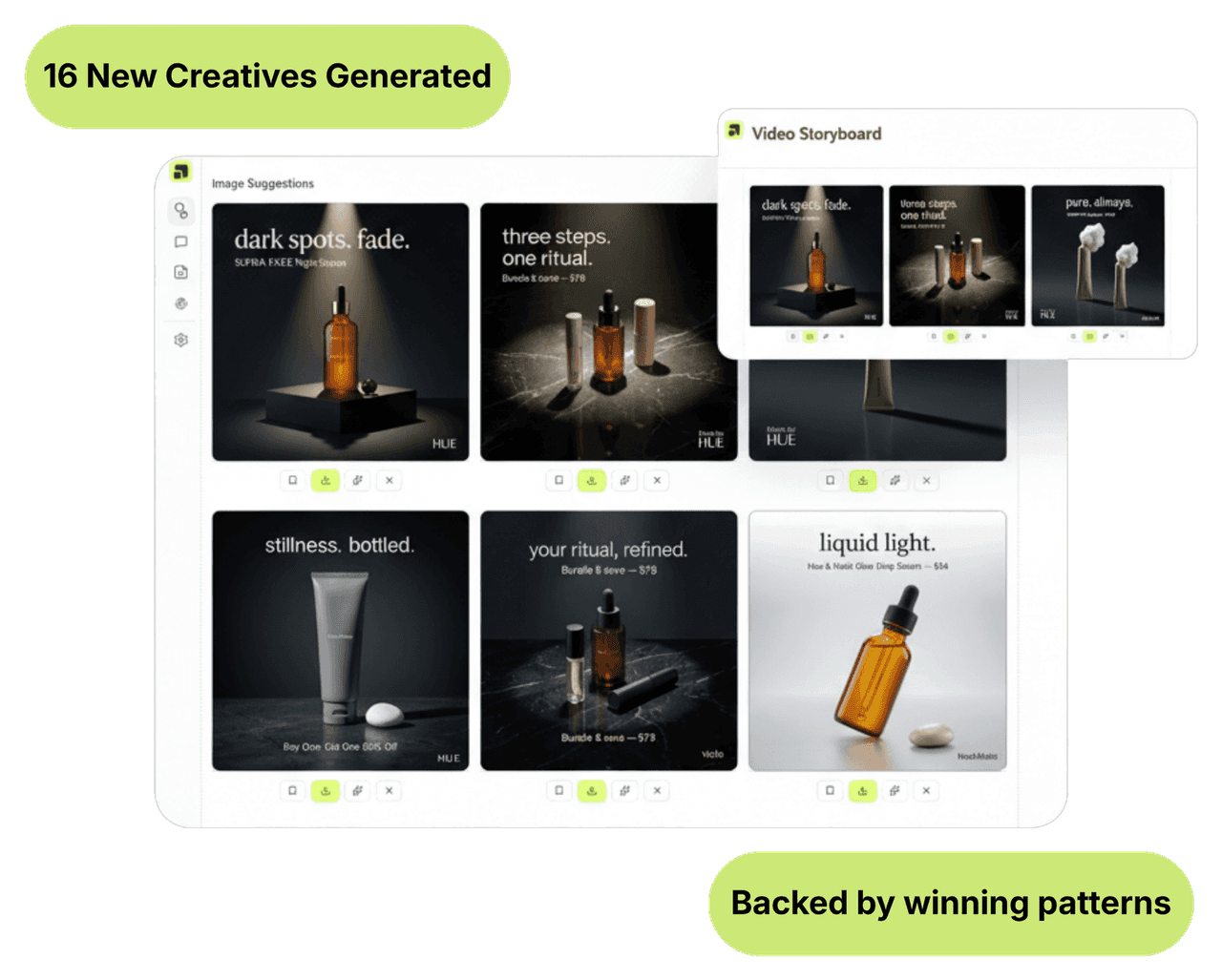
Scale by real LTV, then generate more of what earns
Segwise ranks your creatives by AppsFlyer-attributed ROAS and LTV, not installs, then the Generation Agent builds new variations from the elements driving real revenue, ready to upload, so you scale the creatives that produce paying users, not just the cheapest installs.
Creative Tagging Agent
Tag every element and map it to post-install revenue
Segwise multimodal AI tags hooks, CTAs, visuals, and pacing across your creatives and joins each tag to AppsFlyer post-install events, ROAS, and LTV. So when you decide what to refresh, you are acting on which element drives revenue, not which one drives clicks.

50%
Higher ROAS
Teams that catch fatigue early and cut declining creatives before budget burns improve ROAS by up to 50%.
20 hrs
Saved per week
Automated fatigue alerts and creative analysis replace the manual monitoring a UA or creative team does by hand each week.
5 min
To connect AppsFlyer
Connect AppsFlyer through OAuth in about five minutes and start optimizing on real revenue the same day. No engineering, no disruption to your setup.
Integrations
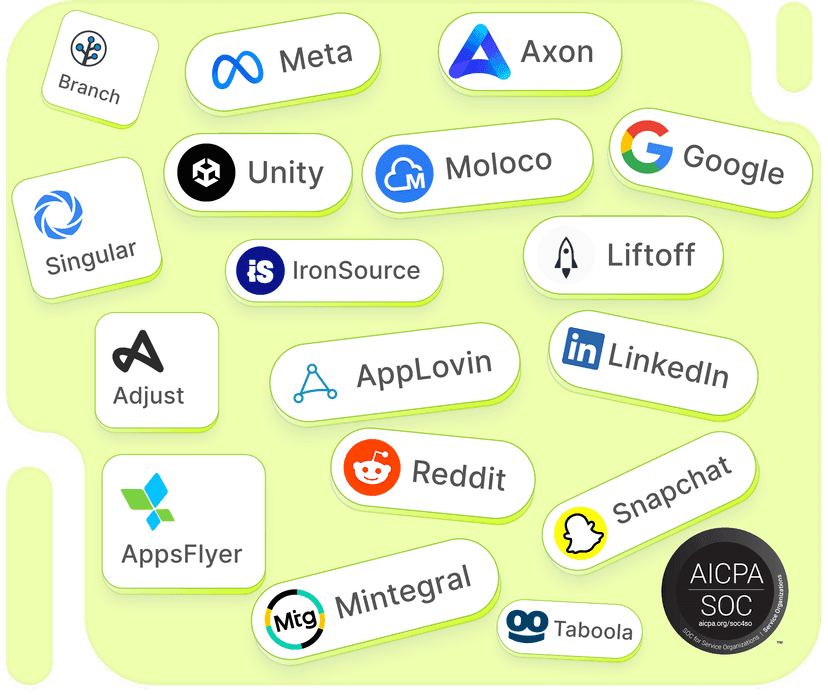
15+ networks & data sources
No matter where your data is stored, Segwise offers seamless, no-code integration with your ad networks and data sources while ensuring enterprise-grade data security.
Built for AppsFlyer
Pull AppsFlyer attribution to optimize on revenue
Segwise pulls install attribution, in-app events, cohort ROAS, LTV, and SKAN directly from AppsFlyer and joins it to spend from 15+ ad networks. That gives you the creative-level ROAS and LTV that neither AppsFlyer nor your networks show alone, which is what real optimization needs.
Catch fatigue that hides behind cheap installs
A creative can keep winning cheap installs long after its real value has slipped, so network metrics look fine while D7 and D30 ROAS decay. Segwise reads both the ad-network delivery and the AppsFlyer post-install revenue, spots the revenue-level fade, and alerts you on Slack or email before you scale a creative that only looks efficient.
Cut the creatives with sliding post-install ROAS
Segwise scores every live creative on AppsFlyer-attributed ROAS and LTV and surfaces the ones whose revenue is fading even while installs stay cheap, so you pause them before they keep buying low-value users.
Frequently asked questions
How does creative optimization work with AppsFlyer data?
Segwise pulls post-install events, cohort ROAS, LTV, and SKAN from AppsFlyer and joins them to spend from 15+ ad networks. That lets you optimize live creatives on real revenue, catching fatigue and cutting losers by D7 ROAS and LTV instead of by installs.
Why optimize on AppsFlyer data instead of ad-network numbers?
Ad networks stop at the click and the install, so a creative can keep winning cheap installs while its post-install ROAS tanks. AppsFlyer shows what those users are worth, so your cut and scale decisions are grounded in revenue, not vanity installs.
How does Segwise catch fatigue using AppsFlyer data?
Segwise watches both network delivery and AppsFlyer post-install revenue on every live creative, so it flags a creative whose D7 or D30 ROAS is sliding even while its installs stay cheap, and alerts you on Slack or email before you overspend.
How does Segwise connect to AppsFlyer?
Through OAuth in about five minutes, with no engineering or API keys, and without disrupting your existing AppsFlyer setup. Segwise imports historical data automatically and keeps syncing.
Can I optimize across AppsFlyer and several ad networks at once?
Yes. Segwise unifies AppsFlyer attribution with creative performance from 15+ networks in one view, so you see which creative elements drive the best AppsFlyer-attributed ROAS everywhere you spend and shift budget accordingly.
What does the 7-day free trial include?
Full access for 7 days, no credit card: the AppsFlyer integration, revenue-level fatigue detection, ROAS and LTV scoring, asset clustering, AI Chat, generation, and all 15+ network and MMP integrations.
Optimize creatives on real AppsFlyer revenue
Connect AppsFlyer and your networks in five minutes. Segwise catches revenue-level fatigue, cuts losers, and scales by LTV.
Explore more
Creative Optimization for other channels & teams
Creative Optimization
Creative Optimization for Adjust
Optimize creatives on real Adjust revenue: catch fatigue behind cheap installs, cut losers, scale by ROAS and LTV. 7-day free trial.
View pageCreative Optimization
Creative Optimization for AppLovin
Optimize AppLovin spend: catch playable and rewarded-video fatigue, cut losers, protect D7 and D30 ROAS. 7-day free trial.
View pageCreative Optimization
Creative Optimization for Bidease
Optimize Bidease spend: sharpen RTB with strong creative signal, catch fatigue, cut losers, scale winners. 7-day free trial.
View pageCreative Optimization
Creative Optimization for Branch
Optimize creatives on real Branch revenue and journeys: catch fatigue behind cheap installs, cut losers, scale by LTV. 7-day free trial.
View pageCreative Optimization
Creative Optimization for DV360
Optimize DV360 spend across display, video, and CTV: catch fatigue, cut losers, scale winners across formats. 7-day free trial.
View pageCreative Optimization
Creative Optimization for Google
Optimize the assets you feed Google App campaigns and PMax: find fading assets, cut weak ones, scale winners. 7-day free trial.
View page